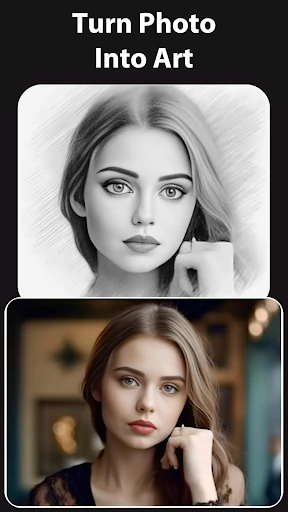
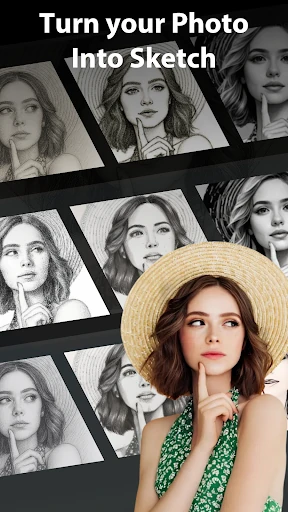
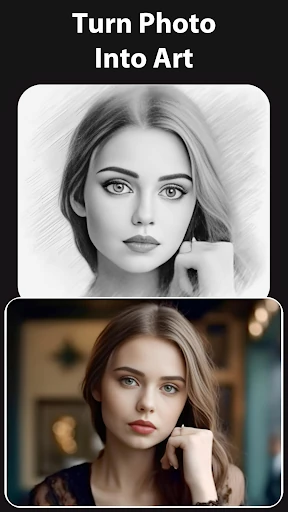
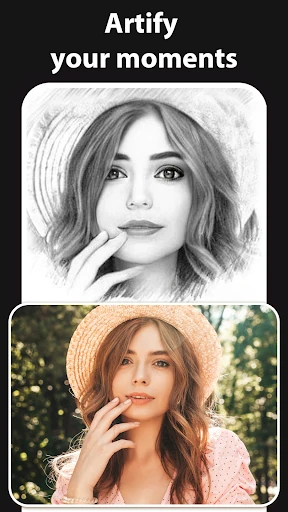
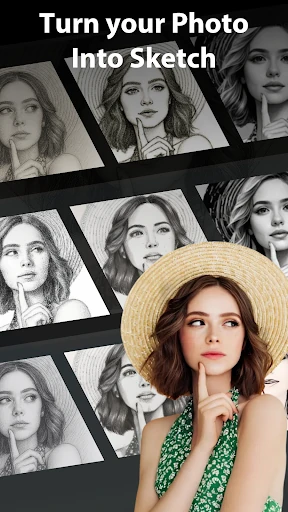
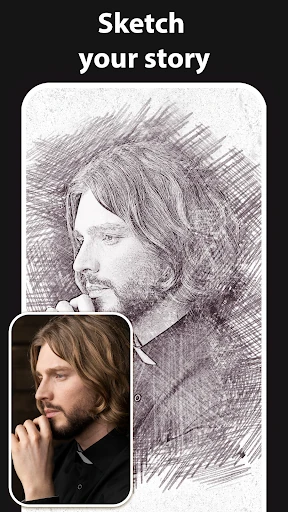
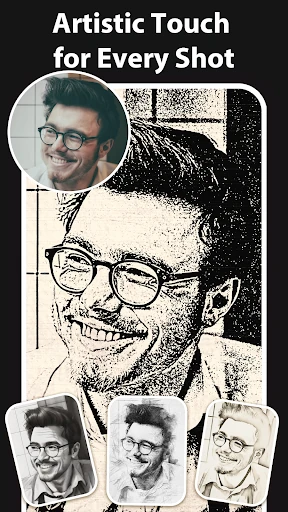
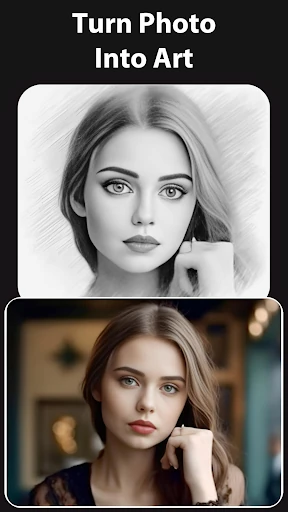
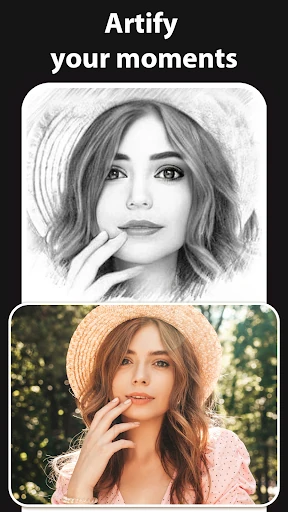
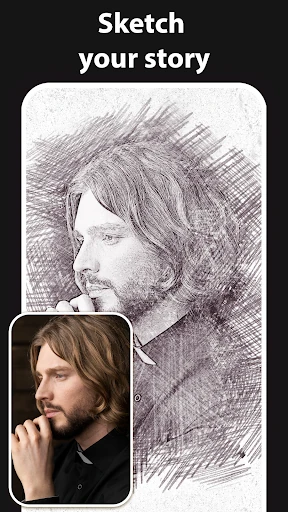
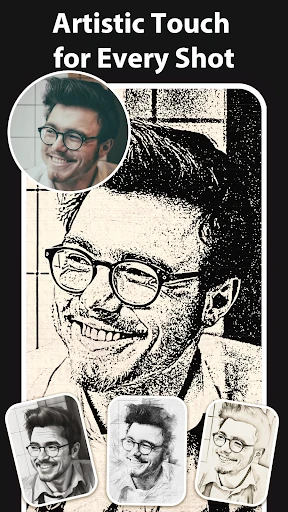
Turn photos into drawn versions
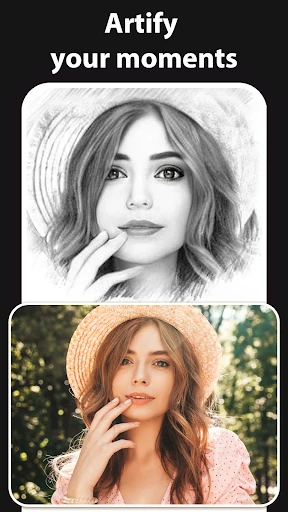
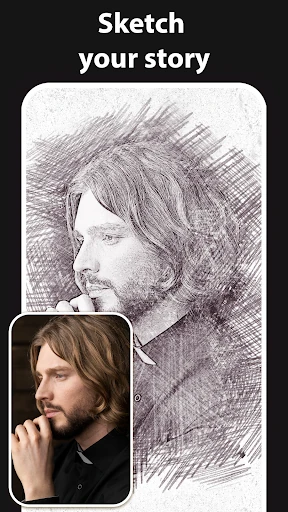
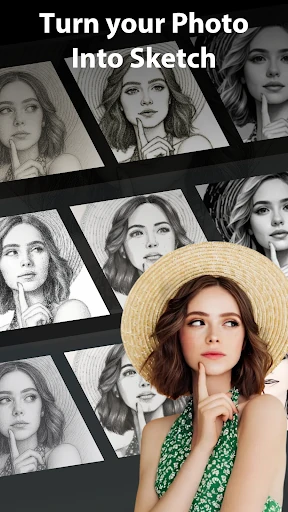
Pencil Sketch Photo Editor applies sketch and illustration-style effects to photos. It is for people who want to change the look of a portrait, object or landscape without drawing it by hand. The app also includes a camera for taking pictures within the editor, so you can start with a new shot or work from an existing image.
Choose an effect, then adjust it
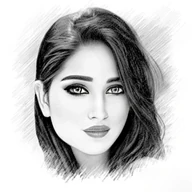
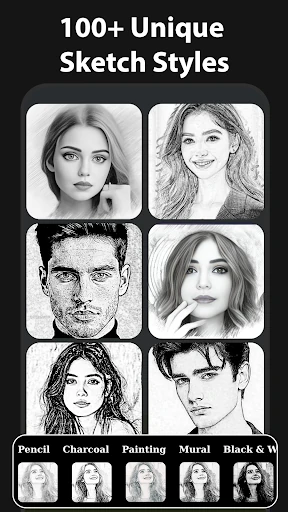
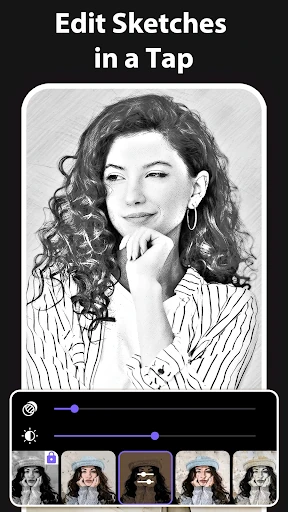
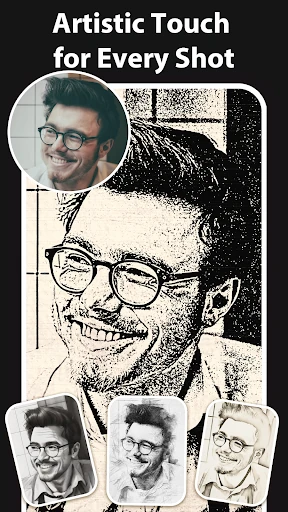
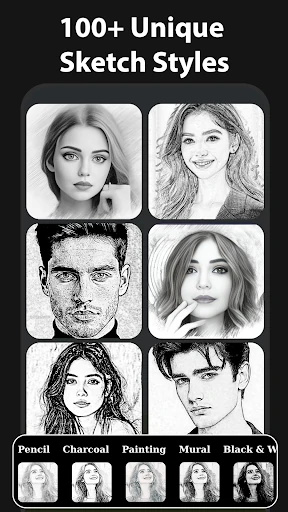
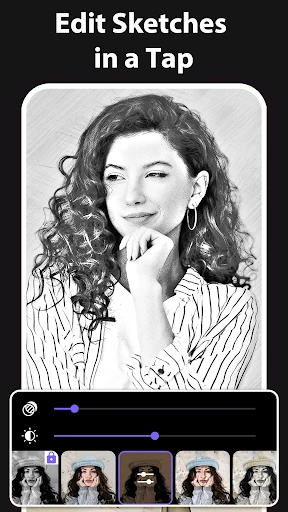
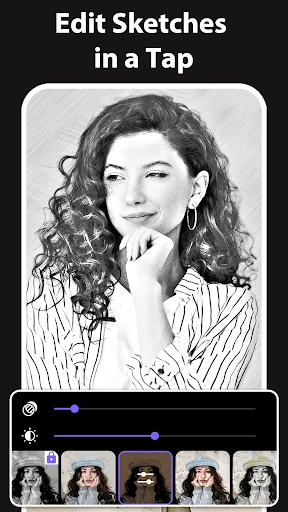
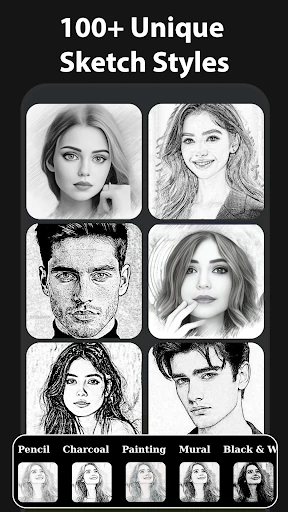
Styles include sketch, doodle and hatch effects, alongside options such as pencil and color sketch, cartoon, stamp and halftone. Some effects are intended to give an image a more dimensional, drawing-like appearance. You can crop a photo and adjust settings including edge strength, opacity, contrast, brightness and saturation. Frames are available as a finishing touch. The number of options means results depend on the source photo and on how much time you spend tuning the effect.
A photo editor, not a drawing workspace
The basic routine is to choose or take a photo, try an effect, make adjustments and save the result to your gallery or share it. That makes the app better suited to quick visual treatments than to creating original artwork with a stylus or building an illustration from a blank canvas. If you want detailed control over individual strokes, this is not that kind of tool.
Popularity and fit
Maxlabs Photo Editor’s app has a 4.27-star rating from about 62,000 ratings and more than 10 million installs. Those figures suggest a widely used photo-effects app, but they do not guarantee that every filter will suit every image. It is worth trying if you want several sketch-like looks in one place; less so if you only need a conventional photo editor or expect the app to make creative decisions for you.